

For security teams
Show organizational resilience improving
Run continuous simulations, follow team trends, and give the board clear evidence of progress — with context and privacy built in.
Everything a CISO needs, in one place
From continuous programs to board-ready exports.
Continuous programs
Schedule quarter-over-quarter simulations, or let Autopilot keep them running so your risk data never goes stale.
Risk scoring in context
A 0–100 score shows change across the organization, groups, and departments. Authorized detail helps tailor further education.
Trend lines that prove progress
Watch click and report rates move across quarters, so you can show the program is working — not just that it ran.
Recipient history for authorized admins
Review a person's history in context: sent, delivered, opened, clicked, submitted, trained, and correctly reported.
Board-ready exports
Export any report as PDF, DOCX, Markdown or RTF — the PDF and DOCX are written to be read by the board, no security background required.
Entra sync & SSO
Sync your directory from Microsoft Entra ID and let staff sign in with Microsoft 365 SSO — no CSV wrangling.
One screen your CISO and your board both trust
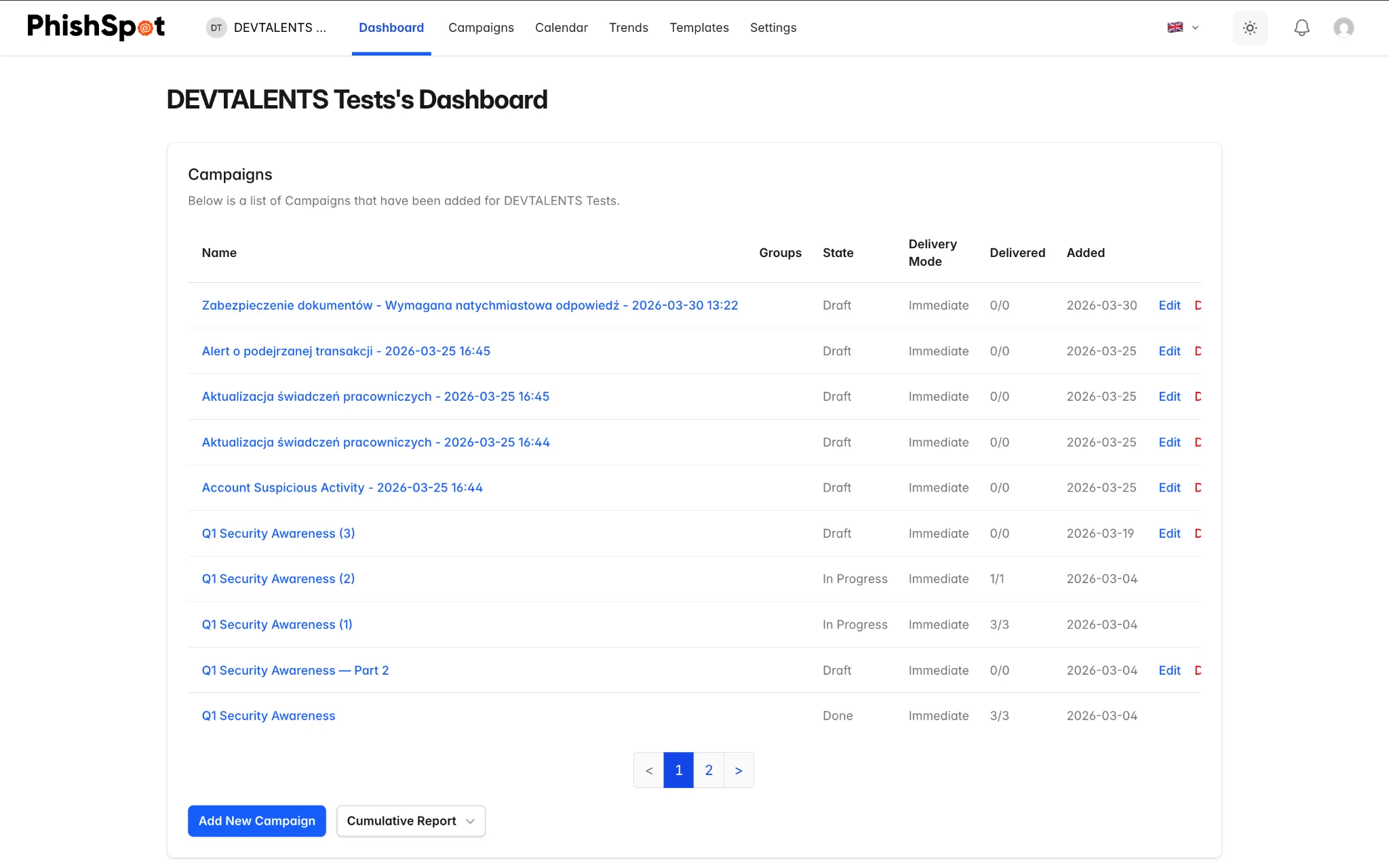
The dashboard combines campaign, training, and reporting results into a clear view of organizational progress.
- Progress at a glance — the organization score and groups that would benefit most from additional practice.
- The full funnel — Sent, Delivered, Opened, Clicked, Submitted, Trained and Replied, per campaign and over time.
- Closed loop with Outlook — the 'Report Phishing' add-in feeds report rates straight back into the dashboard.
- Defensible exports — PDF and DOCX reports your board can read without a security background.
From baseline to board report in four moves
- 01
Sync your directory
Pull people and groups from Microsoft Entra ID; staff sign in with Microsoft 365 SSO.
- 02
Baseline the org
Send a first campaign — or turn on Autopilot — to get a real click and report rate.
- 03
Train on click
Anyone who clicks lands on a course immediately; report rates rise as habits form.
- 04
Report to the board
Export the trend line as PDF or DOCX and show risk falling quarter over quarter.
Security team questions
How is the risk score calculated?
The 0–100 score reflects simulation behavior, completed training, and correct reporting. Scores roll up by group and account to show the program trend. Individual detail supports tailored education, not public employee ranking.
Do you support SSO and directory sync?
Yes — Microsoft Entra ID directory sync and Microsoft 365 SSO. Groups and departments come across automatically, so campaigns and reports stay aligned to your org chart.
Can I hand reports straight to leadership?
Yes. Export any report as PDF, DOCX, Markdown or RTF — the PDF and DOCX are written to be read by non-technical stakeholders, with the funnel and trend line front and center.
Show measurable organizational progress
Book a demo and we'll baseline your first campaign together.